A useful backup can be restored. Synchronisation may spread deletions and does not replace a separate retained copy.
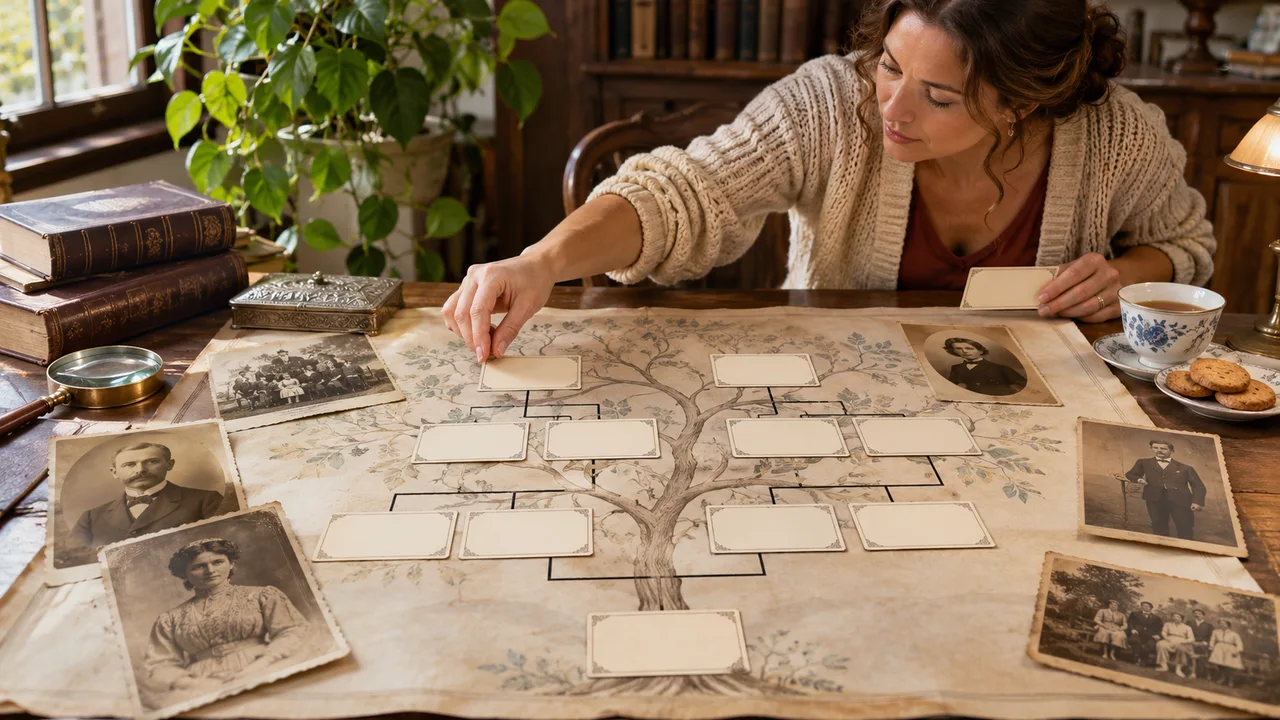
Computer, backup drive and album in a research workspace. Illustration; fictional scene, not documentary evidence.
The method, step by step
Name files with an identifier, date and short description. Keep originals, transcriptions and edited versions in separate folders.
Save the native tree and an exchange export. Include media, references, research log and a note explaining your filing conventions.
Keep several copies on separate media, including one in another location. Protect personal records and limit access to sensitive details.
Regularly open a sample and restore a project. Record test dates and missing items so you can improve the procedure.
What to record
Maintain a backup register: location, contents, date, protection and last restore test. Restore into a separate folder to avoid overwriting the master project. Check media and references as well as the tree file.
Tick items as you read. Ticks remain only on this page and disappear when it is reloaded.
Dates below apply to each resource, not an exhaustive check of its collections. Read the limits and official pages before requesting records or visiting.